IPTV, or Internet Protocol Television, refers to the delivery of television content over an IP network rather than through traditional terrestrial or satellite methods. On a television without an operator box, this protocol remains usable as long as one understands the technical prerequisites and legal limitations of the setup.
M3U File and IPTV Streams: The Technical Mechanism to Know
The operation of IPTV is based on a simple principle: a compatible player reads a M3U playlist that contains the URL addresses of each video stream. Each URL points to a server that streams the content. The player decodes this stream and displays it on the screen.
This M3U file can be hosted online (referred to as a remote URL) or stored locally on a USB drive. The quality of playback depends on the available bandwidth and the decoding capacity of the device used.
Without an operator box, the TV no longer automatically receives this file. Therefore, an intermediary device or an application capable of reading these streams is needed. Several configurations allow this, including one that involves using IPTV without a box and without wired internet by utilizing mobile hotspot sharing or a dedicated local network.
Smart TVs and Compatible IPTV Applications
A Smart TV connected to Wi-Fi or via an Ethernet cable can directly run IPTV applications from its integrated store. This is the most straightforward setup to do without an operator box.
The most commonly used applications on Smart TVs are Smart IPTV (SIPTV), OTTPlayer, and SS IPTV. Each offers the import of an M3U playlist, either by URL or by uploading through a web portal from a computer or phone.
Installation varies depending on the TV’s operating system. On models running Tizen (Samsung) or WebOS (LG), these applications can be found in the integrated store. On Android TV, the Play Store offers a wider selection, including IPTV Smarters or TiviMate.
A technical point often overlooked: not all Smart TVs decode the same video codecs. A stream encoded in H.265 (HEVC) will not be readable on an older TV limited to H.264. Checking the supported formats in the TV’s specifications before configuring a playlist helps avoid unexplained black screens.
Non-Connected TV: HDMI Stick and Mobile Hotspot Sharing
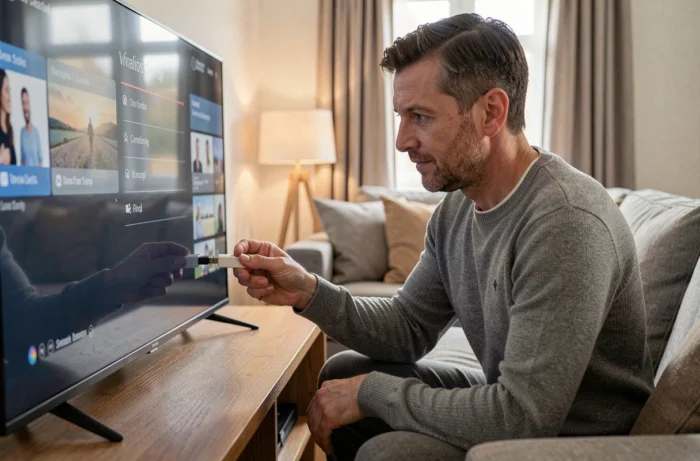
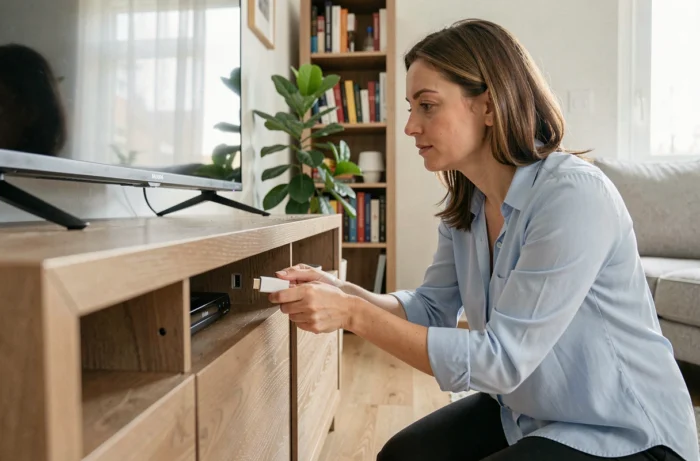
On a television without Wi-Fi and an app store, an HDMI stick like Chromecast or Amazon Fire TV Stick turns any screen into an IPTV player. These dongles plug into the TV’s HDMI port and come with their own operating system.
The Fire TV Stick, for example, provides access to the Amazon store where applications like IPTV Smarters or XCIPTV Player can be downloaded. Chromecast works differently: it receives the stream sent from a phone or computer via the Cast function.
Operating Without a Fixed Internet Connection
The absence of a box often implies the lack of a wired internet connection. Sharing a connection from a smartphone (mobile Wi-Fi hotspot) then becomes the most accessible alternative.
- Activate the hotspot on the smartphone and connect the HDMI stick or Smart TV via Wi-Fi
- Ensure that the mobile plan allows for sufficient data volume, as video streaming quickly consumes several gigabytes per hour
- Prefer 4G or 5G for a stable speed, as 3G is generally insufficient for smooth streaming
Mobile connection sharing remains a temporary solution, not a permanent replacement for a fixed line. Signal interruptions and data limitations make it suitable for occasional use.
Blocking Pirate IPTV Streams in France: What the Law Says in 2026
The French legal framework has significantly tightened the conditions for accessing unofficial IPTV services. Since the summer of 2026, France has adopted a system of real-time automatic blocking of pirate IPTV streams, specifically for sports competitions, under the supervision of Arcom.
This mechanism allows for the cutting of streams identified as illegal during the broadcasting of a sporting event, followed by a verification of the legitimacy of the block afterward. Court orders now target access providers, public DNS resolvers, VPN services, and search engines.
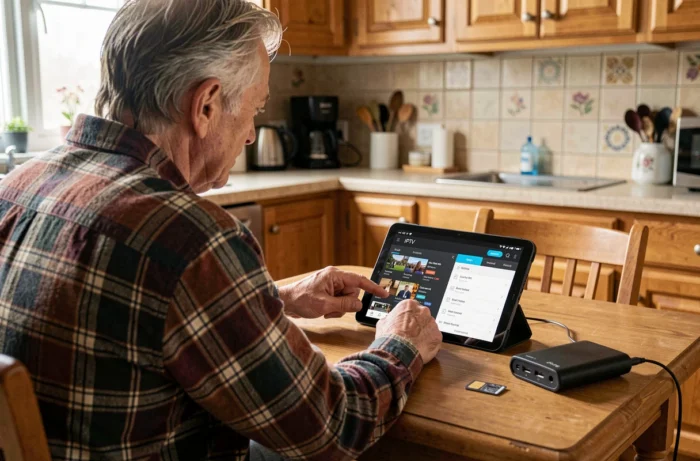
In practice, an unofficial IPTV subscription purchased for a few euros a month presents a double risk:
- The stream can be cut at any moment during a live event, rendering the service unusable at the precise moment it is most needed
- Dynamic blocking orders affect dozens of domains simultaneously, making services unstable even outside of sporting events
- Fines have already been imposed on French subscribers of pirate IPTV services
Legal IPTV services remain the only ones to guarantee continuity of service. Molotov, the applications of channels (France.tv, MyCanal, Arte), and the OTT offers from operators provide legal IPTV streams, often free for TNT channels.
Setting Up an IPTV Player on an HDMI Stick: Step Order
On a Fire TV Stick or a device running Android TV, the procedure follows a similar logic regardless of the chosen application. Plug the stick into the TV’s HDMI port, connect it to a Wi-Fi network (box, router, or mobile sharing), then download the application from the store.
Upon launching the application, two connection modes are generally offered: importing an M3U URL or connecting via Xtream Codes credentials (username, password, server URL). The choice depends on the format provided by the IPTV service used.
A setting often ignored: disable the TV’s power-saving mode which cuts the HDMI signal after a few minutes of perceived inactivity. This setting, buried in the system menus, causes regular disconnections of the HDMI stick and interrupts playback.
IPTV broadcasting on a TV without a box remains technically accessible with minimal equipment. The real filter is not material but legal: only streams from authorized services offer lasting reliability against the ongoing tightening of blocking mechanisms in France.